
Upload a video. Get a prompt true to the scene.
- 1 free analysis daily
- Model-agnostic prompt
- Bilingual Markdown
A clear prompt for every shot
Story, shots, character actions and expressions are organised separately, so you can quickly find what to keep or change.
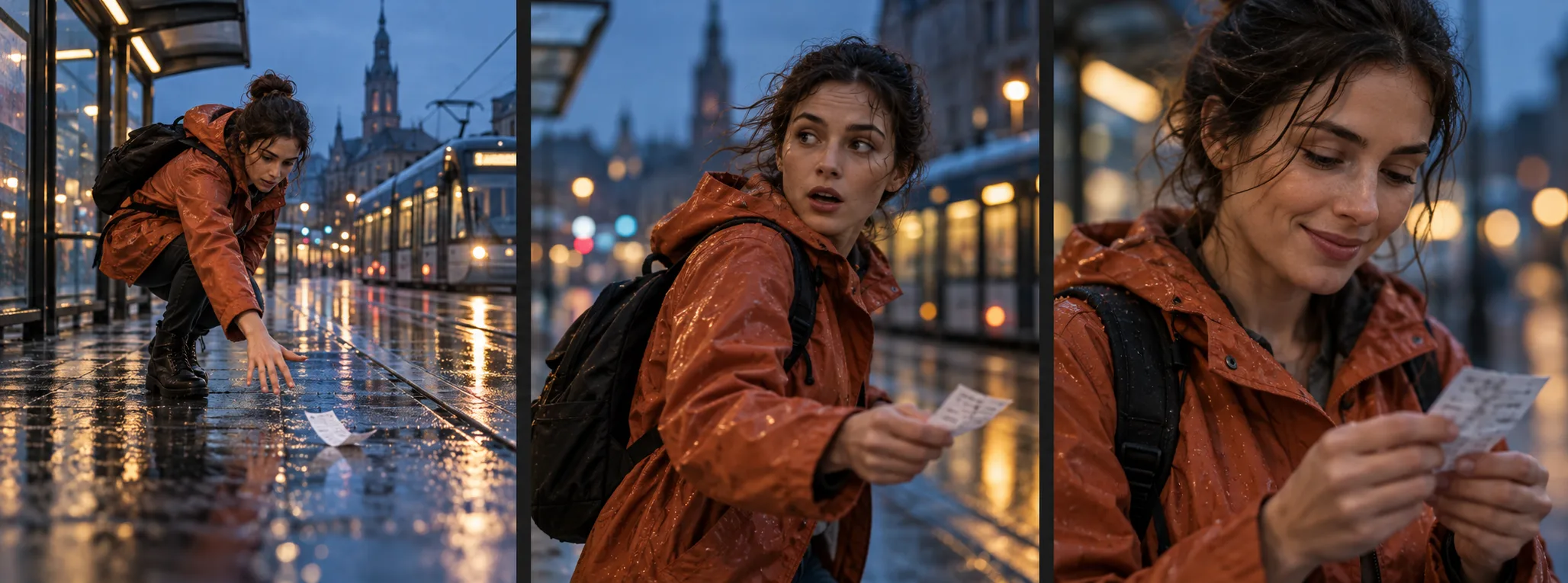
Story
Follow the opening, key change and ending of the sequence.
Shot by shot
Track edited shots and the order of actions within each shot.
People and visuals
Separate character actions, visible expressions, setting and camera movement.
One document
Copy or download the full bilingual Markdown prompt to refine it.
Capture the changes that matter
From preparation to completion, see each stage of an action.
-
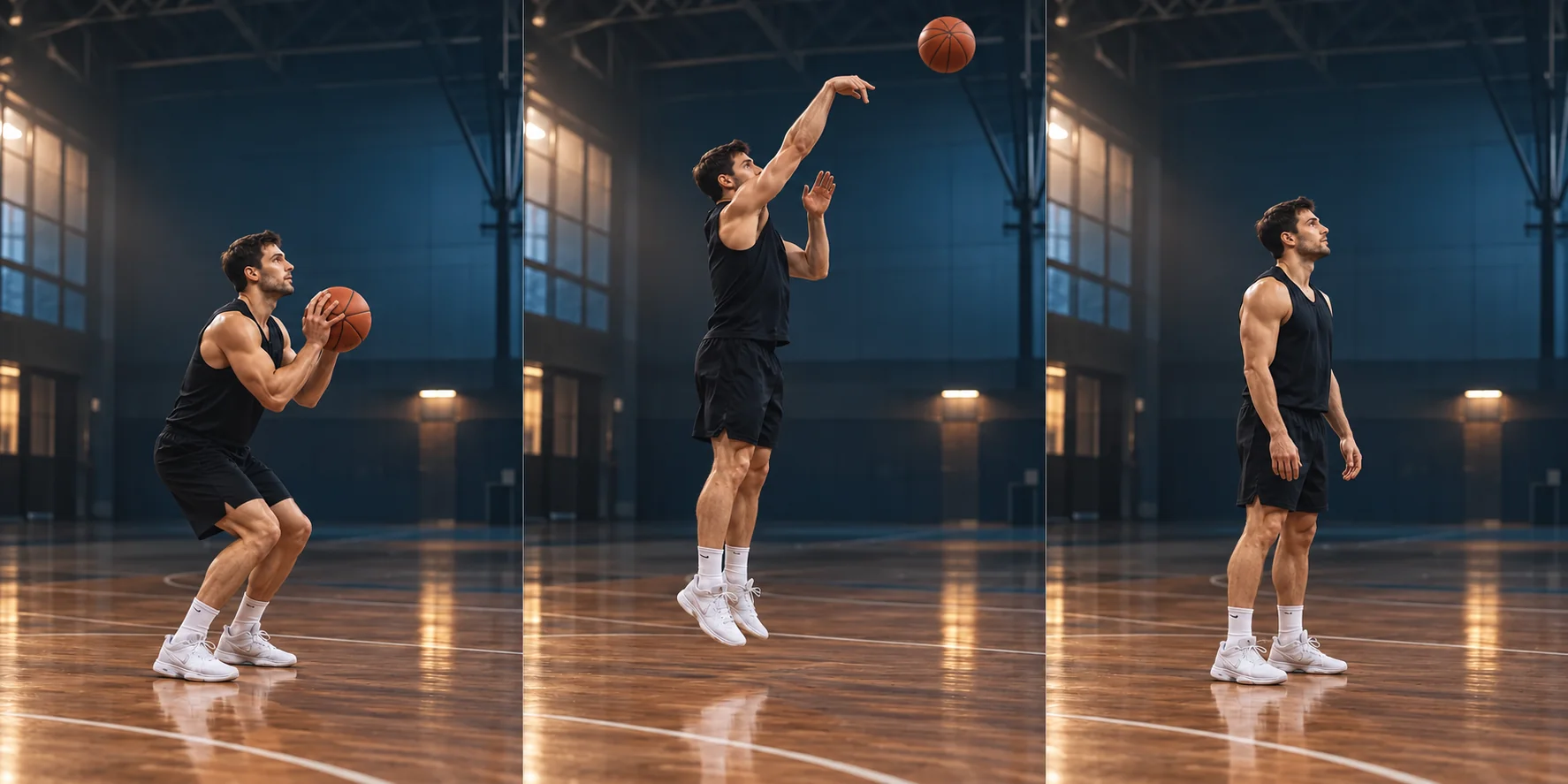
Prepare to shoot
Feet grounded, knees bent, both hands on the ball.
-
Jump and shoot
Airborne, guide hand withdrawn, ball released.
-
Land and watch
Feet grounded, both hands lowered, eyes on the shot.
AI-created illustration of preparation, shooting and landing stages, not a video analysis result.
Keep the shot. Make the next video yours.
Keep the pick-up, turn and smile sequence. Move the story from a rainy street to a station at sunset.
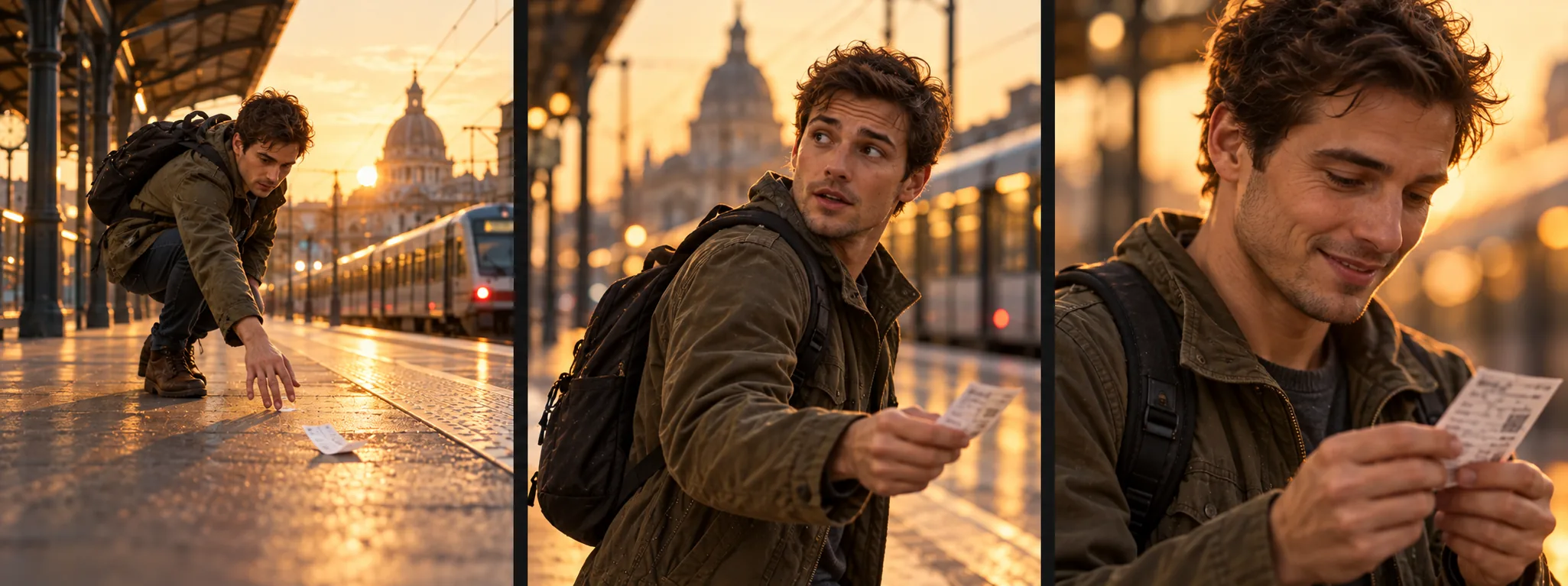
Both image sequences are AI-created examples of adapting a prompt. This tool does not generate videos.
The current output is model-agnostic. Before using Veo, Kling, Runway or another model, adjust duration, parameters and prompt structure for that model.
Frequently asked questions
Can I use the prompt with Veo, Kling or Runway?
You can copy it as a general starting point. Models differ in duration, controls and shot language, so adapting the structure for your chosen model is usually better. Automatic conversion is not included yet.
Will it generate a video identical to the reference?
No. The prompt reconstructs visible details rather than recovering the creator's original text. A new generation also depends on the model and its settings.
Will actions in a continuous take become separate shots?
Shots follow visible edits; actions within one continuous take stay in that shot's timeline. Review very fast cuts against the original clip.
What if a person's expression is unclear?
An unclear expression is not presented as a fact. The result omits it or marks the uncertainty.
Which videos can I upload?
You can try an MP4, MOV or WebM file you have the right to process, up to 30 seconds and 100 MB. AI-generated and camera footage are accepted; the tool does not identify the source model.
Do I need an account, and how long is my upload kept?
Sign in with Google for one free successful analysis per day, resetting at midnight in California, with daylight saving time handled automatically. Invalid uploads and failed analyses do not use your allowance. Source videos and frames are deleted after analysis; results remain for 24 hours. Keep this page open: there is no task lookup after closing it. Submitted analyses continue; success uses the allowance and failure returns it. Copy or download your prompt when ready.